Template library
Start from polished layouts for birthdays, weddings, launches, and holidays — then tweak every layer.
Create an event, design frames in our built-in editor (or upload your own), and share one link. Guests add a photo and download it.
Get started
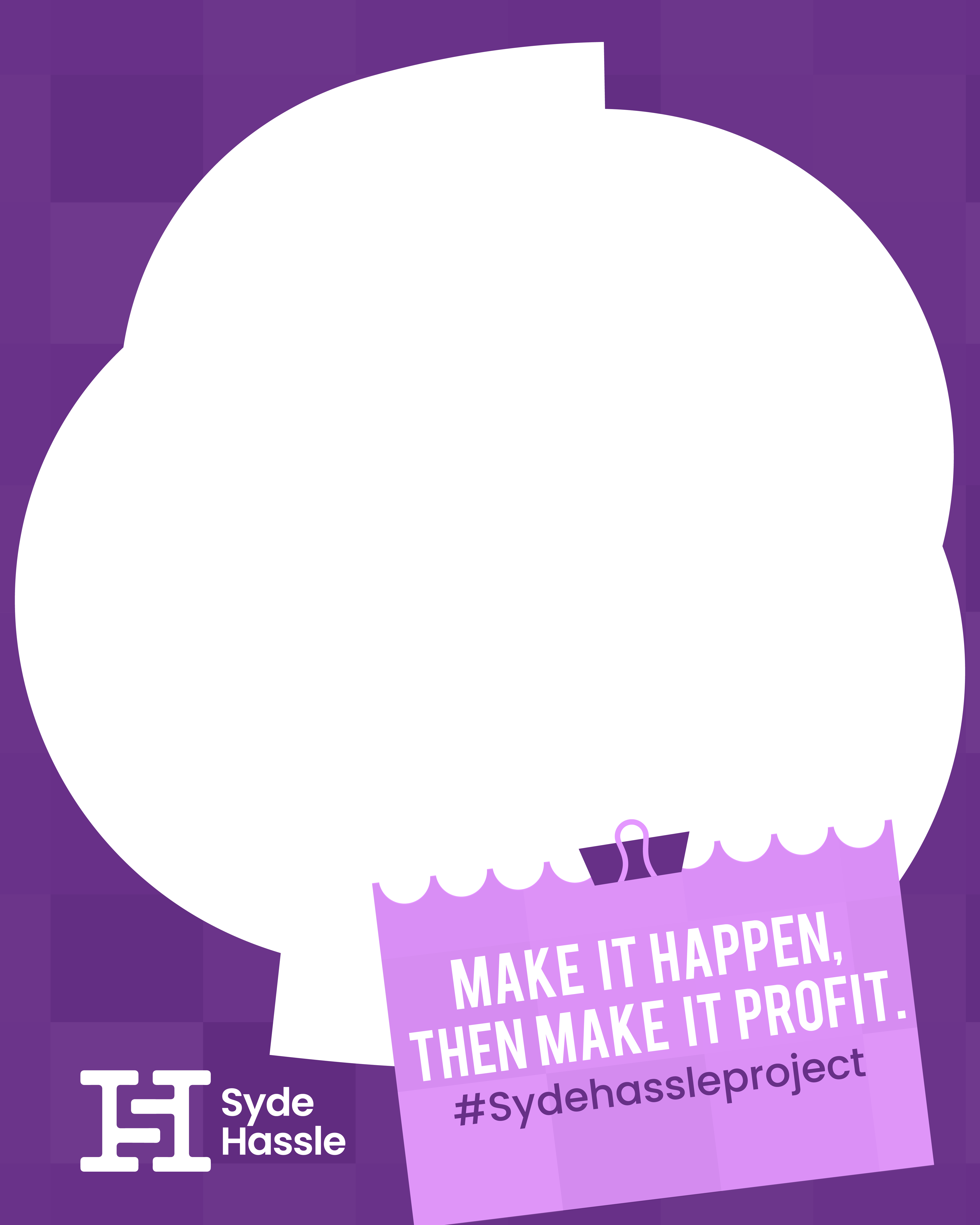

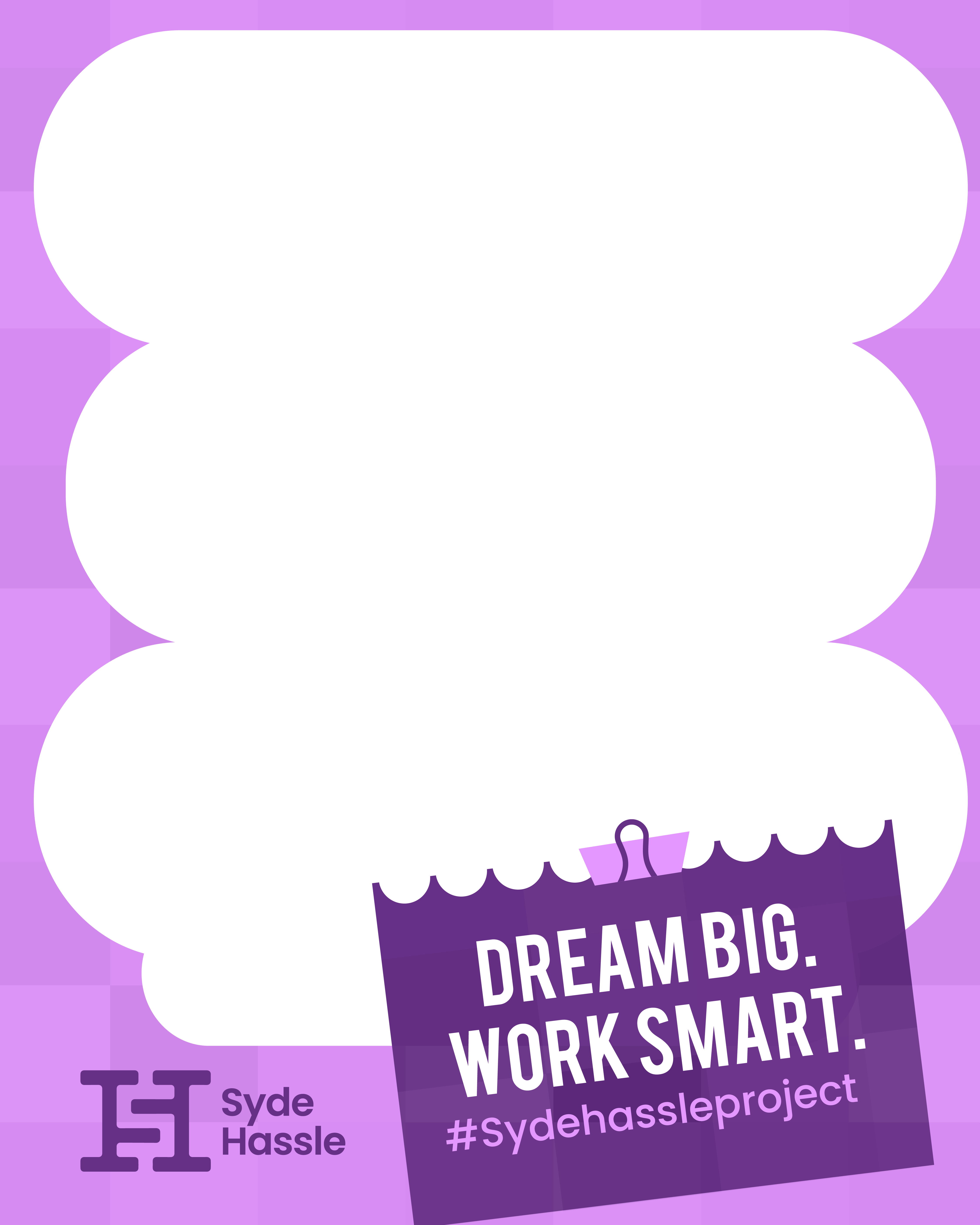

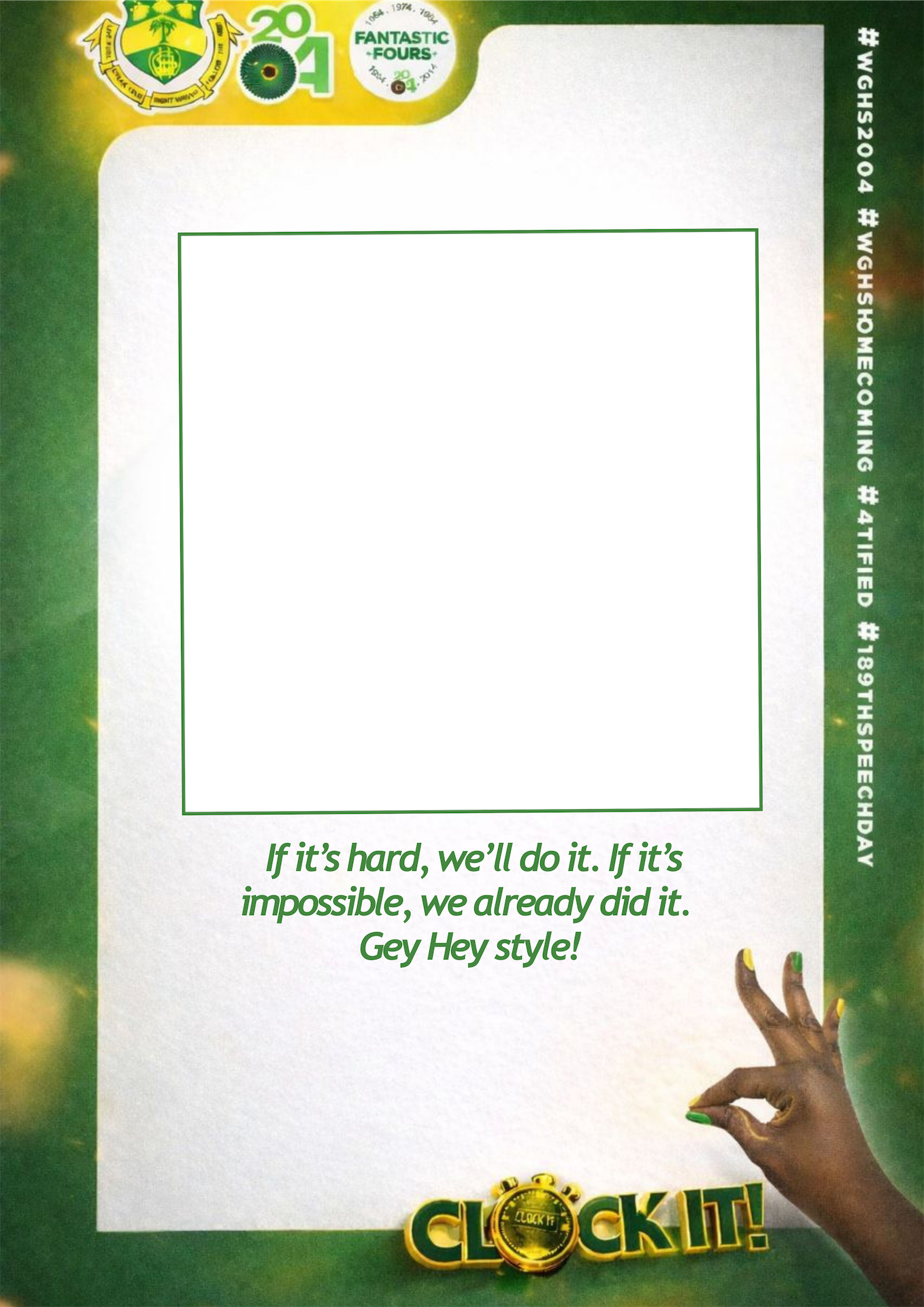
Built-in frame studio
Start from a template, refine it in the editor, and publish frames guests can drop their photo into — like this Formula Racing layout.
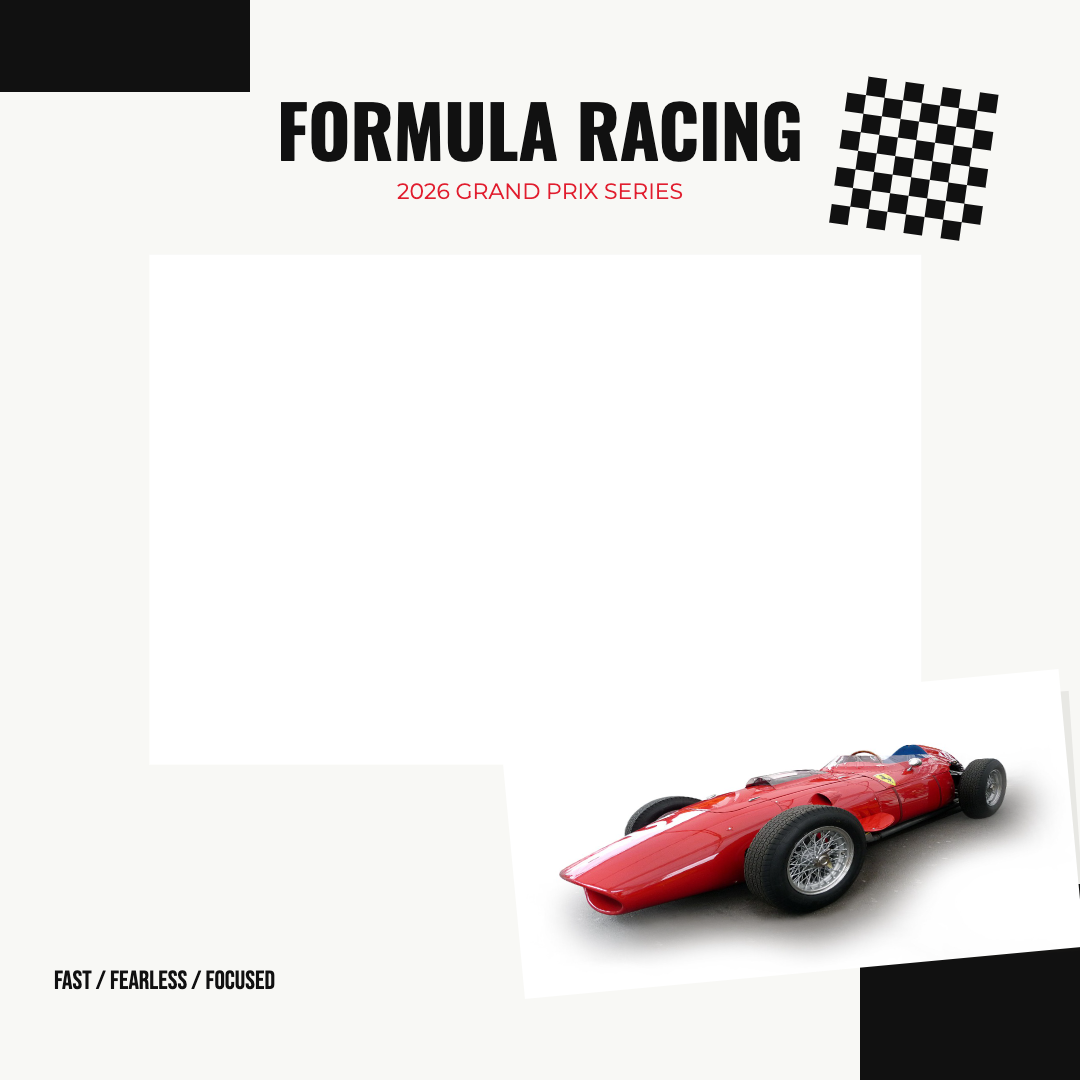
Formula Racing
Your saved frame — ready for guests
Templates
Pick a look, then make it yours


Formula Racing

Hello Editorial


Starstruck Live


Merry Christmas

Christmas Is Coming

Happy Birthday
Start from polished layouts for birthdays, weddings, launches, and holidays — then tweak every layer.
Circle, star, heart, or any shape from the catalog. Guests see through exactly the opening you design.
Search stock images and drop in icons without leaving the canvas.
Stack decorations above or below the guest photo, group elements, and export with correct depth.
Add text, color blocks, and the same shape set you know from design tools — sized for social frames.
Save drafts per frame, export PNGs with transparent windows, and publish when it feels right.
Or upload PNGs you already have — your call.
01
Give it a name, a short description, and a thumbnail.
02
Use the built-in editor — templates, shapes, stock art, and a shaped guest photo window — or upload ready-made PNGs.
03
Guests add a photo and download the framed version.